HRMS Software: What It Is and Why Your Business Needs It
Simplify attendance, leave, payroll and employee records with a custom HRMS built around your policies. Discover how automation supports your HR team as your business grows.
Managing people is among the hardest parts of running a business. Attendance, leaves, payroll and performance reviews can swallow hours every month, and mistakes cost both money and trust.
HRMS software development puts all HR tasks into a single system. We’re Growthys, an IT solutions company in Gurugram, and we build HRMS platforms for businesses ranging from 20-person teams to 500+ employees.
What Is an HRMS?
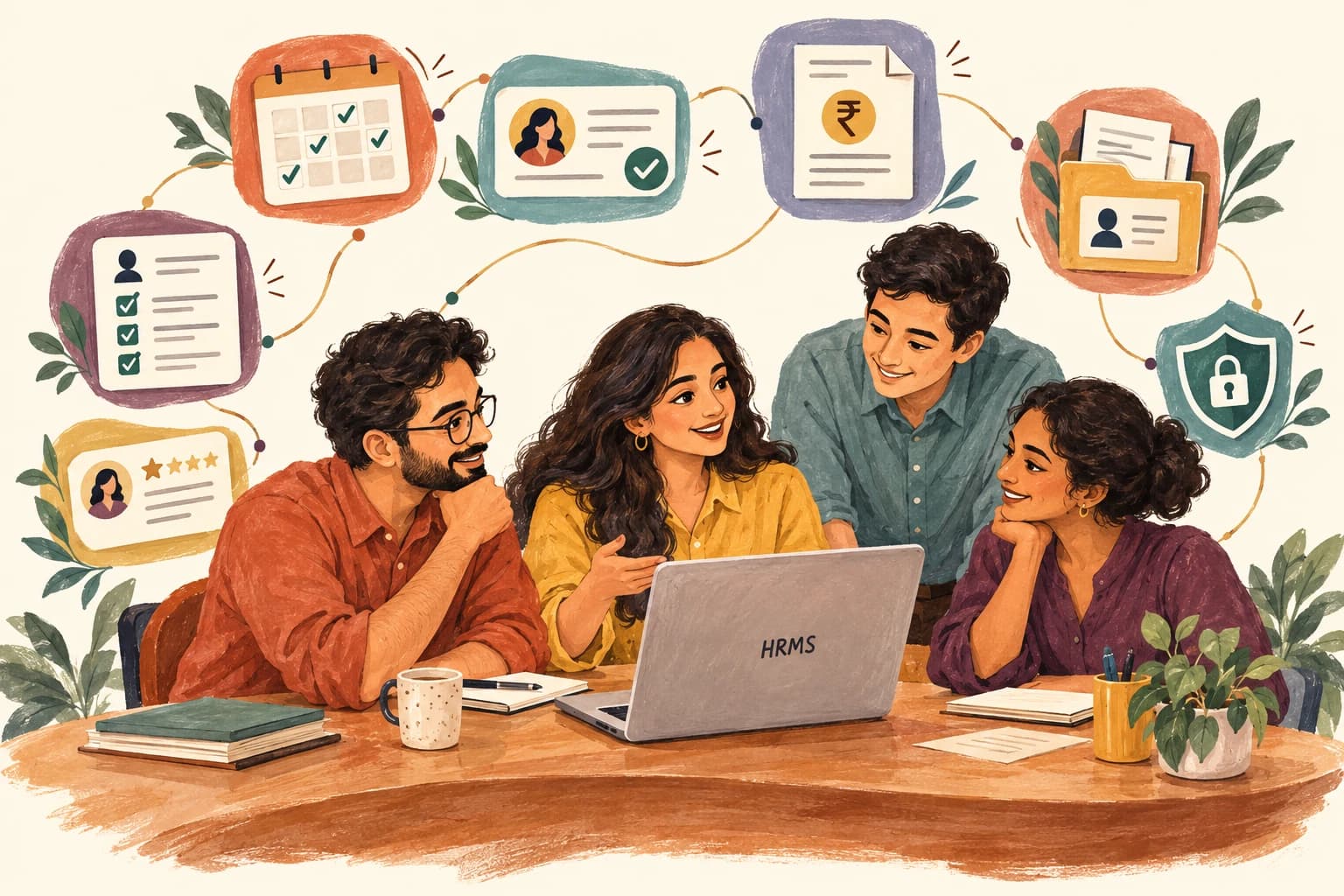
HRMS stands for Human Resource Management System. It’s software that handles:
- Attendance and leave tracking
- Payroll processing
- Employee records and documents
- Recruitment and onboarding
- Performance reviews
- Reports for management
Spreadsheets and WhatsApp approvals give way to one place with a clear audit trail.
Why Custom HRMS Beats Generic Tools
Generic HRMS tools handle standard processes well. But every business has its own rules: different leave policies, payroll structures, approval chains and compliance needs.
Custom HRMS software development is built around your exact policies. Errors drop, processing speeds up and compliance with local labor rules improves.
A custom system also grows with you. Add locations or employees and it keeps up, with no need to switch platforms.
Automation Saves Time
Business automation tools inside an HRMS can take over repetitive tasks:
- Auto-calculating payroll from attendance data
- Sending leave approval requests to the right manager
- Generating monthly reports automatically
- Alerting HR about missing documents or expiring contracts
Work that took days now takes minutes, with fewer errors.
How Growthys Builds HRMS Platforms
Our custom software development team starts with a workflow audit and then designs a system around your HR process. We connect payroll, biometric attendance and accounting tools so data flows without manual entry.
We’re an IT solutions company, so we also provide training and ongoing support. Your HR team gets full value from the system.
During design and testing, we work closely with your HR team, which keeps the final system true to how people actually work.
Security and Compliance
HR data is sensitive. A good HRMS protects it with:
- Encryption for employee data
- Role-based access control
- Audit logs of every change
- Secure backup and recovery
Compliance with local labor laws is built into the payroll and leave modules.
Conclusion
An HRMS isn’t only for large companies. Even a 30-person business saves hours each month with the right system. If your HR tasks are still manual, it’s time to automate.
FAQs
1. What is the difference between HRMS and HR software?
They’re often the same thing. HRMS is the broader term that covers all HR functions.
2. How long does HRMS development take?
Usually 8–16 weeks, depending on modules and integrations.
3. Can HRMS handle payroll for multiple locations?
Yes. Custom systems can handle multi-state and multi-country payroll rules.
4. Does it integrate with biometric attendance?
Yes. We integrate with common biometric devices.
5. Is HRMS secure?
Yes. We use encryption and role-based access to protect employee data.
6. Does Growthys provide HRMS support after launch?
Yes. Ongoing support and updates are included.